Automation
Home/Scenarios/Documents

Documents that enter themselves.

Documents are scanned, turned into structured data by AI and processed directly in the ERP.

ScannerAI recognitionERP
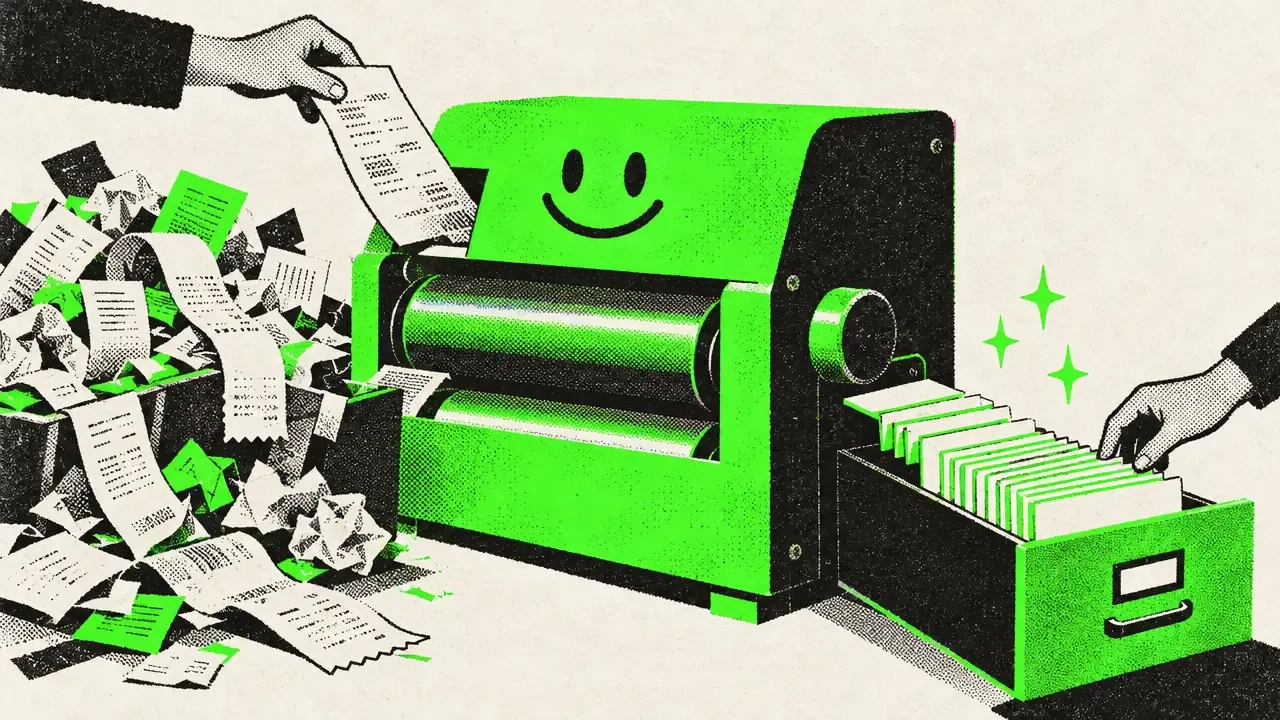
Scenario · Documents Screen print illustration: crumpled receipts run through a smiling roller machine and come out as neat cards in a drawer
Before · After

The workflow side by side.

Typical workflow without a tool4 steps
  1. Pick up the document
  2. Read and type the data
  3. Enter it in the ERP
  4. File it
Every document means typing.
With the tool2 steps
  1. Scan
  2. Check, if needed
The data lands in the ERP, structured.
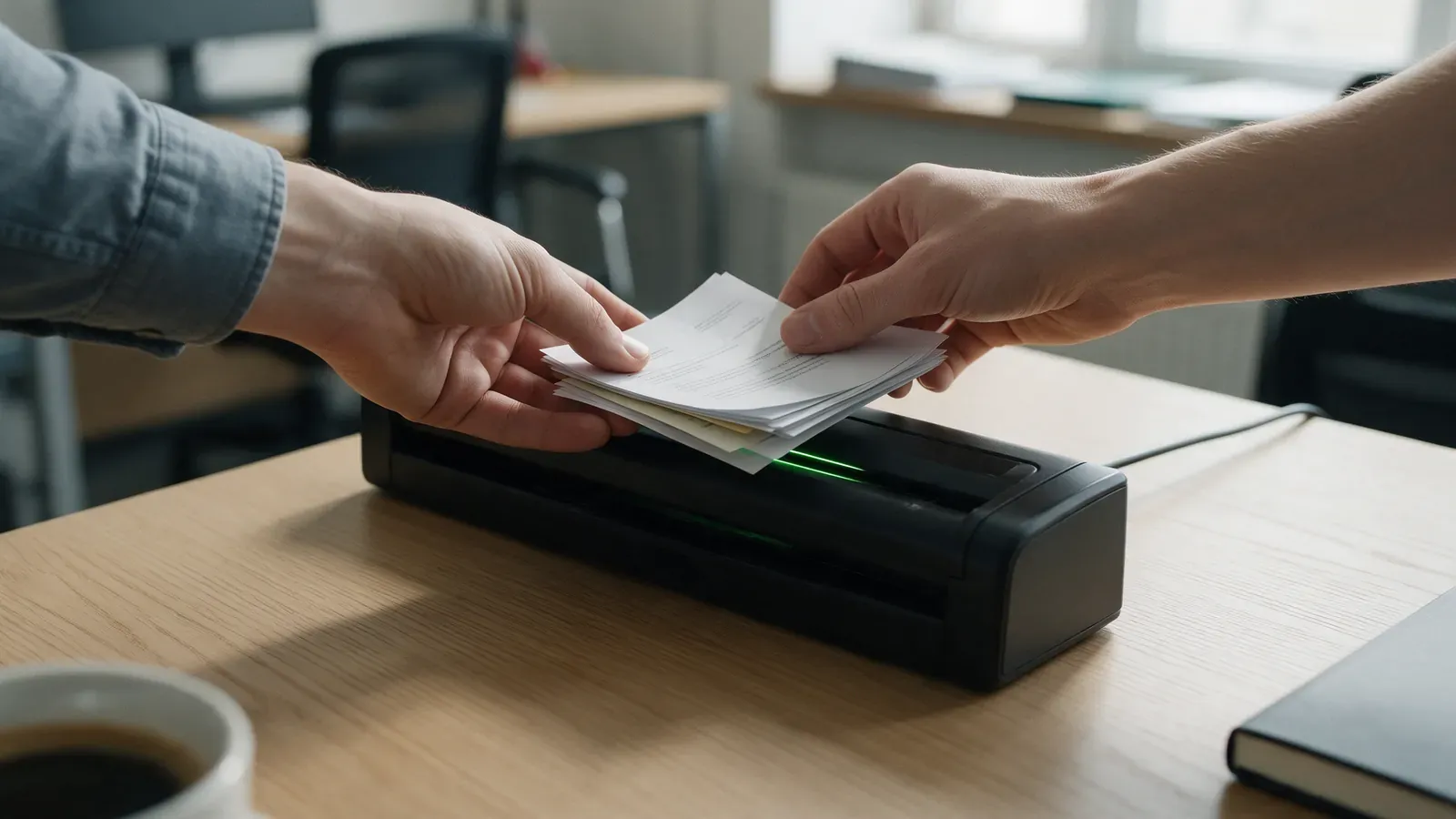
On the job Hands place a stack of papers into a document scanner
Behind the scenes

What the tool takes care of.

  1. The scan is recognised and read
  2. AI turns it into structured data
  3. The data is processed in the ERP
  4. Unclear documents go to a person
Where the data stays

With you.

System view
Scanner AI recognition Tool ERP
Unclear document Person checks
Your system stays at the centre. The tool plugs into it.

Recognition and processing run in your environment or on a dedicated server. With a local language model if you want.

Whatever the AI cannot recognise with confidence, a person decides. You stay in control.

Your workflow

Your workflow looks different? That is exactly what I am here for.