Automation
Process automation · Freiburg, Germany Personal, not an agency

Then.
Now.

Your ERP and inventory system stay as they are. What changes is the manual work around them. Drag the slider.

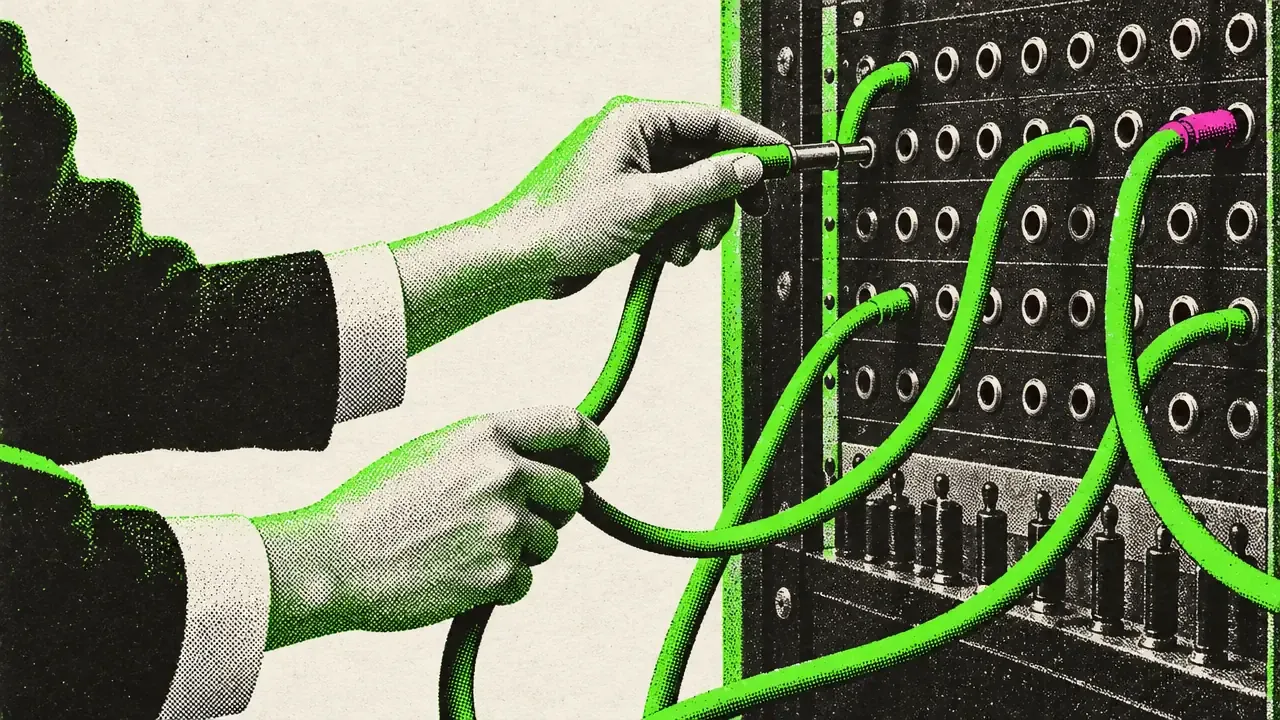
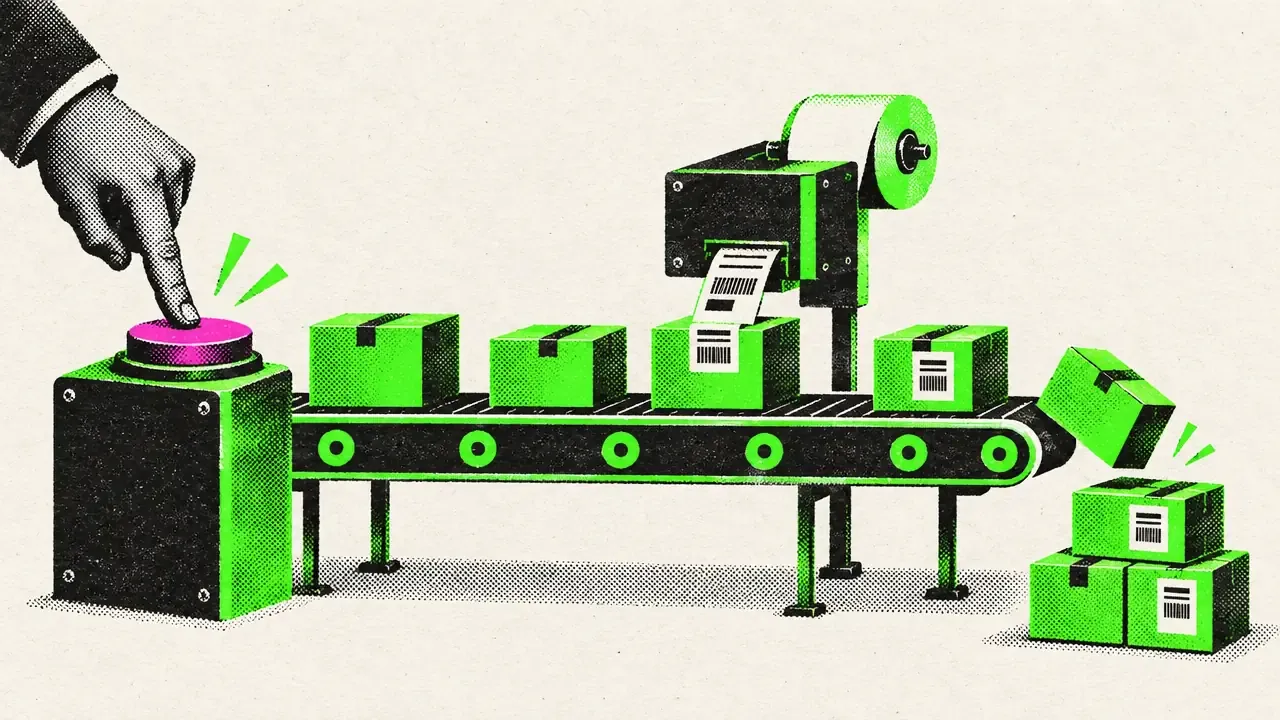
Screen print illustration: a clerk types numbers from stacks of paper into a computer while the phone rings Screen print illustration: a finger presses a button, parcels run along a conveyor through the label printer Then Now
Then and now

Five workflows I know well.

From real work, without client names. Left, how it ran by hand. Right, how it runs today.

ThenBy hand, several times a day
NowPlugged into your ERP

The goods are packed and need to go out.

  • Look up the order in the ERP
  • Check items by hand
  • Create the delivery note
  • Make each shipping label
  • Type in the tracking number
  • Write the customer email

A good forty five minutes of manual work per run.

Shipping in one click

Enter the order number, put it together, book. Delivery note, label and customer email happen on their own.

  • Enter order number
  • Put items together
  • Book
View scenario

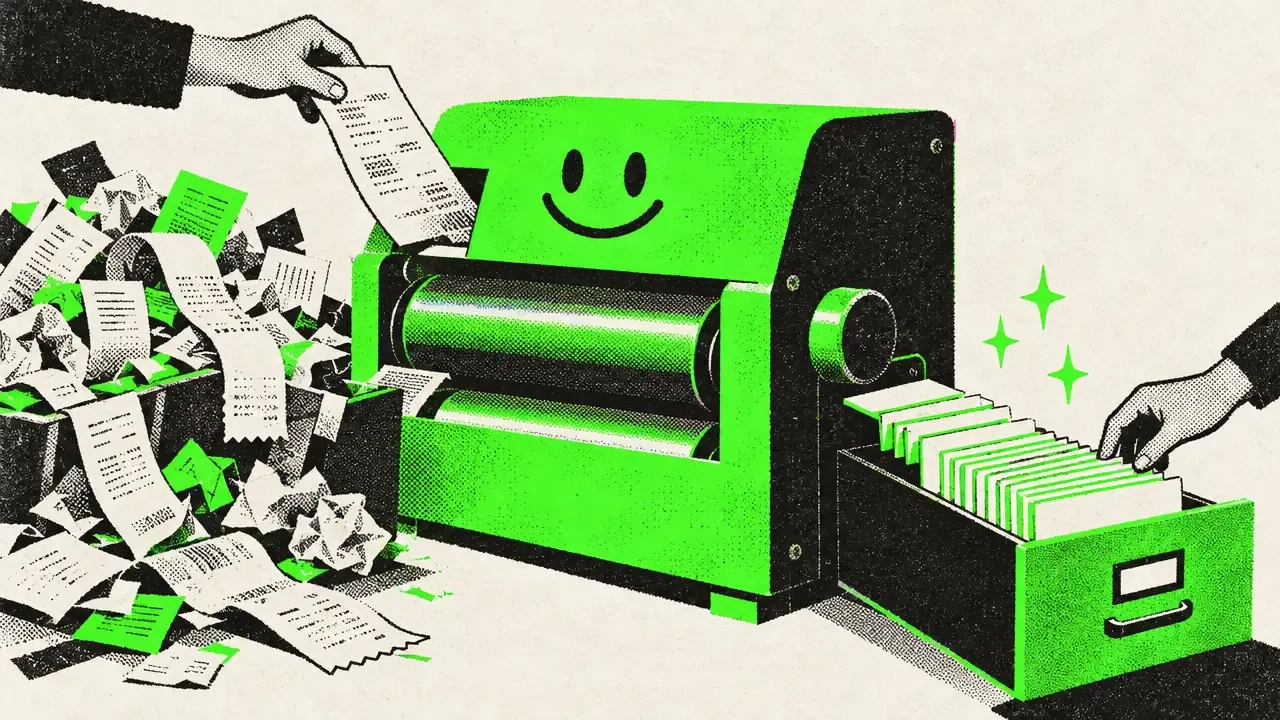
Delivery note and invoice arrive on paper.

  • Pick up the document
  • Read and type the data
  • Enter it in the ERP
  • File it

Every document means typing.

Documents that enter themselves

Scanned, turned into structured data by AI and processed directly in the ERP.

  • Scan
  • Check, if needed
View scenario

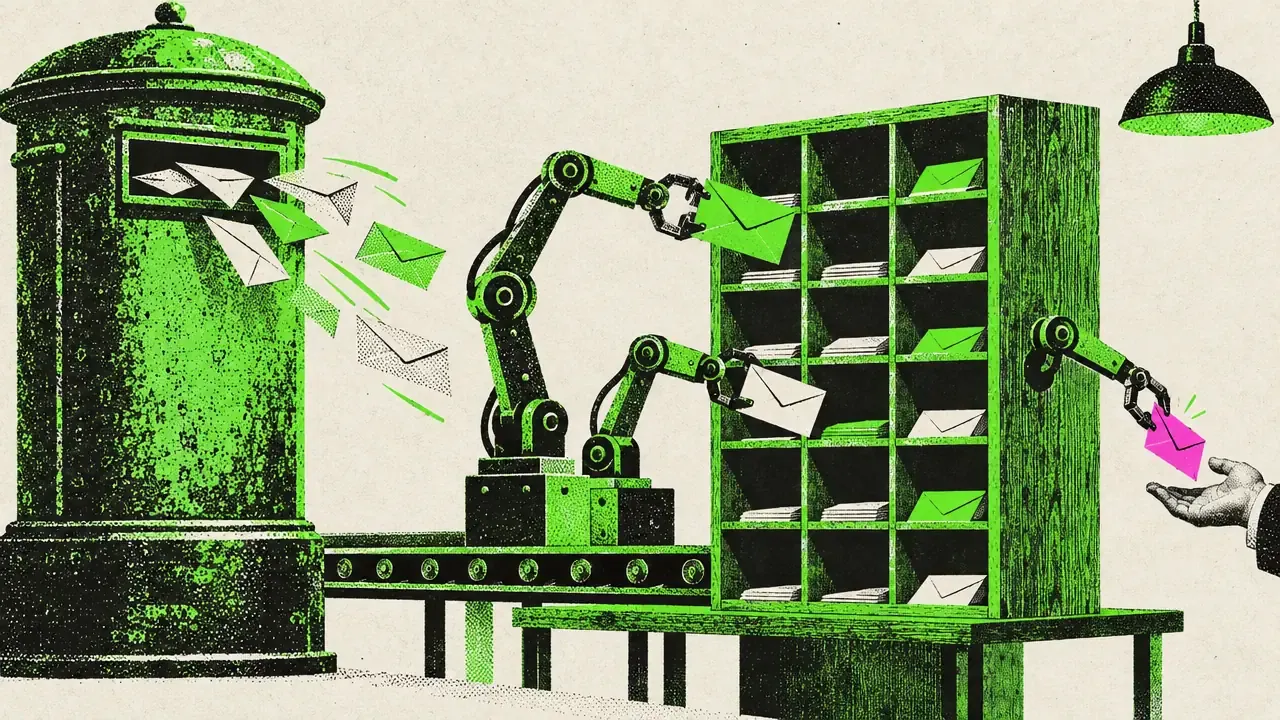
The order confirmation is sitting in the inbox.

  • Go through the inbox
  • Open the order confirmation
  • Compare prices and dates
  • Update the ERP

Every day, for every confirmation.

The inbox that reads along

Supplier order confirmations are recognised. Prices, numbers and dates end up in the ERP.

  • Confirmation arrives
  • Check unclear cases
View scenario

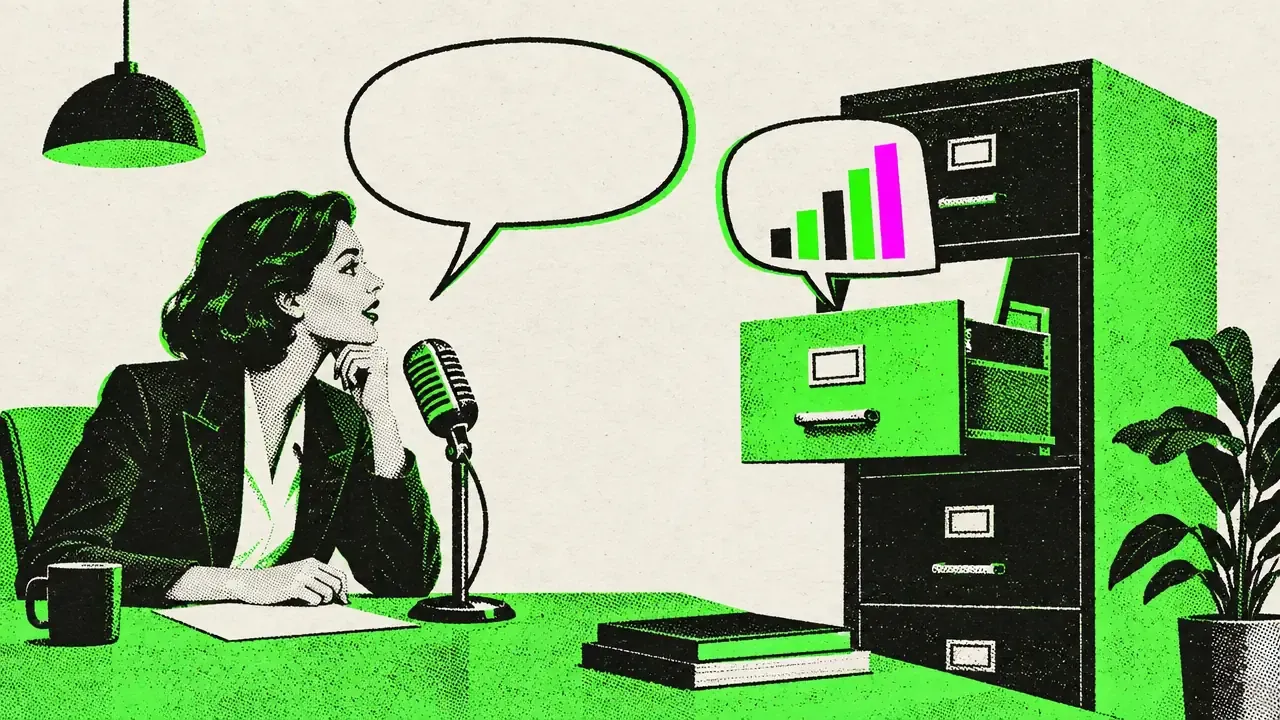
Management wants a number.

  • Request a report
  • Wait for the list
  • Search for the answer yourself

Whoever needs a number often has to ask someone to dig it up.

Ask your numbers

Management asks in plain language and gets answers from the real data.

  • Ask a question
  • Read the answer
View scenario

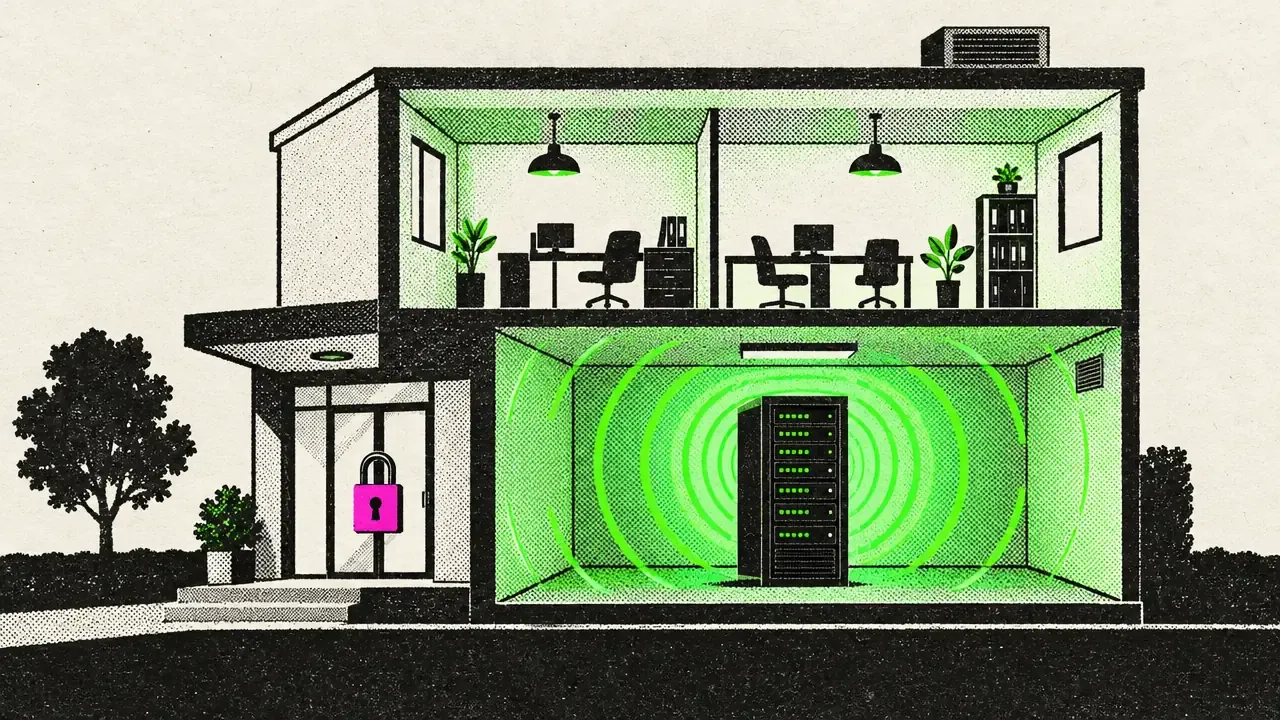
Some data must not leave the building.

  • Sensitive data goes unused
  • Or ends up in public chatbots

Without safe tools, shadow AI creeps in.

AI that never leaves the building

For patient data, financial data and trade secrets: a tool with a local language model.

  • Use your own tool
  • The result stays in house
View scenario
In plain words

What I do. In three chapters.

Automation, websites, online shops. Explained without jargon.

0:00
Patch panel

Everything plugs into one server.

Connect what comes in at your company. Below, you see what the Bitpolar AI server makes of it and where the language model runs.

Patch panel · 2 of 5 inputs connected

What comes in

My tools and the language model

Bitpolar AI Server

Where it runs

Tools and language model run in your environment. Inbox, scanner and ERP only talk to your own server.

What comes out below

  • Order numberDelivery note, label and customer email are out. The tracking number is in the ERP.View scenario
  • InboxPrices, supplier numbers and delivery dates are in the ERP.View scenario

ERP Everything ends up in your ERP and inventory system.

Tap an input to connect or disconnect it Public chatbot No cable leads there.
What stays the same

You replace nothing.

You keep what works. I build around it.

Your systemsERP and inventory stay

I plug into what is there. No new system, no migration, no week of training.

Your dataStays with you

If you want, the AI runs entirely on your premises. Nothing goes outside.

Your contactStays the same

From the first idea to long after launch, you talk to me. No project manager in between.

Process

Four steps. One face.

At every step you talk to me. There is no project manager in between.

  1. 1Stefan

    Intro call

    Free, 15 minutes. Together we work out what you need and whether I am the right person for it.

  2. 2Stefan

    Concept & quote

    You get a tailored concept and a binding fixed-price quote. No surprises.

  3. 3Stefan

    Build

    I start right away. You get regular updates and can give feedback at any time.

  4. 4Stefan

    Launch & support

    Your project goes live, and I stay your point of contact.

See the full process
Portrait of Stefan Euchenhofer
Stefan Euchenhofer · Advises and builds himself
Who builds this

The person you talk to is the person who builds it.

I am Stefan, and I have been building software and websites for 15 years. Today I do it with AI tools, which is why it goes faster than you probably expect. The first step is a prototype, not slides.

Voices

What clients say.

"Stefan rebuilt our entire online shop fio-tea.de in record time. I am simply fascinated and speechless about the result."
Daniele FiorentinoOwner, Fio Tea UG
"Excellent collaboration: Stefan set up our online shops and successfully drove the ERP integration to consolidate our sales channels over months. Absolutely competent and goal-oriented."
Stefan HeitzmannCEO, otom Group GmbH
"Thank you! If only everything was as easy as working with you 😊"
Nicole-Nadine BaumannMarketing Manager, Wellstar-Packaging GmbH
Then

You are reading this page.

And wondering which workflow eats the most time at your company.

Now

15 minutes, and we know.

Free. Together we work out what you need and whether I am the right person for it.