Automation
Home/Scenarios/Inbox

The inbox that reads along.

An email inbox is monitored. Order confirmations from suppliers are recognised, and prices, supplier numbers and delivery dates land in the ERP.

Email inboxAI analysisERP
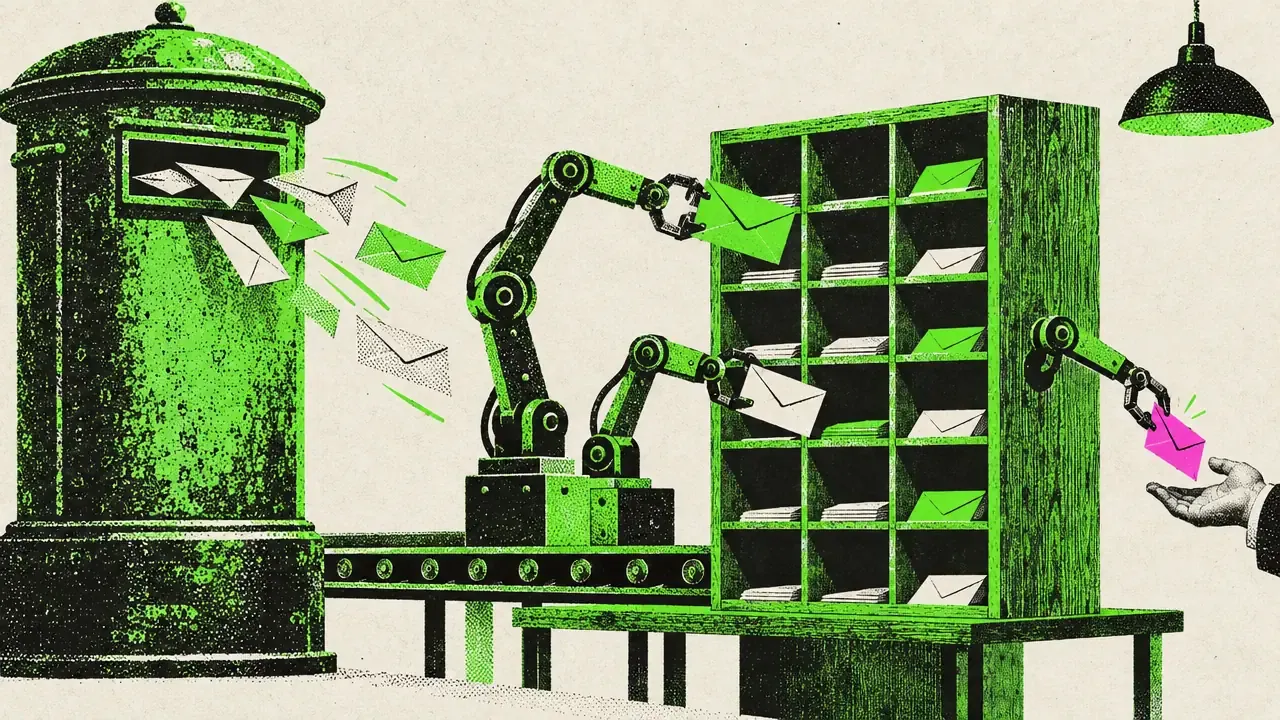
Scenario · Inbox Screen print illustration: robot arms sort letters from a mailbox into a rack, one unclear letter goes to a person
Before · After

The workflow side by side.

Typical workflow without a tool4 steps
  1. Go through the inbox
  2. Open the order confirmation
  3. Compare prices and dates
  4. Update the ERP
Every day, for every confirmation.
With the tool2 steps
  1. Confirmation arrives
  2. Check unclear cases
The rest is already in the ERP.
On the job Screen showing an email inbox with some rows highlighted in green
Behind the scenes

What the tool takes care of.

  1. The inbox is monitored continuously
  2. Order confirmations are recognised
  3. Prices, supplier numbers and delivery dates are extracted
  4. The values are entered in the ERP
  5. Unclear cases go to a person
Where the data stays

With you.

System view
Inbox AI analysis Tool ERP
Unclear case Person checks
Your system stays at the centre. The tool plugs into it.

The inbox is analysed in your environment. If you want, the analysis works with a local language model.

Your team handles the exceptions. The routine runs on its own.

Your workflow

Your workflow looks different? That is exactly what I am here for.