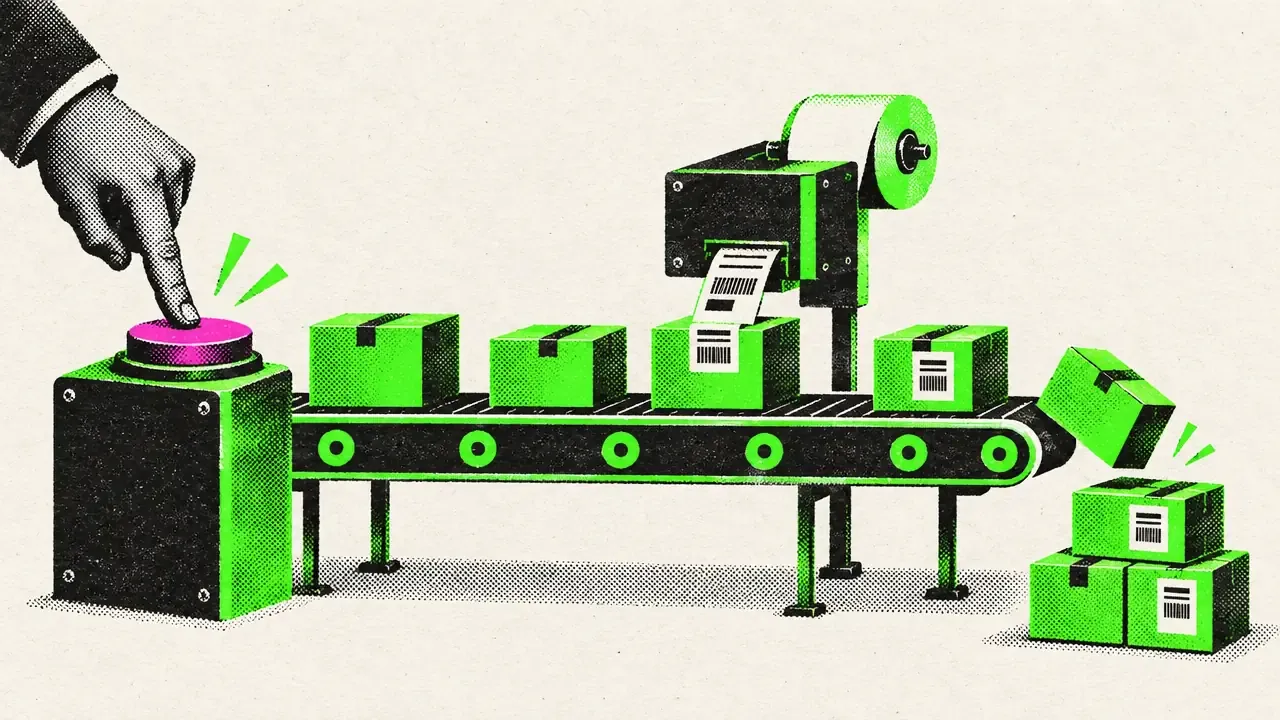
Before · After
The workflow side by side.
- Look up the order in the ERP
- Check items by hand
- Create the delivery note
- Make each shipping label
- Type in the tracking number
- Write the customer email
- Enter order number
- Put items together
- Book
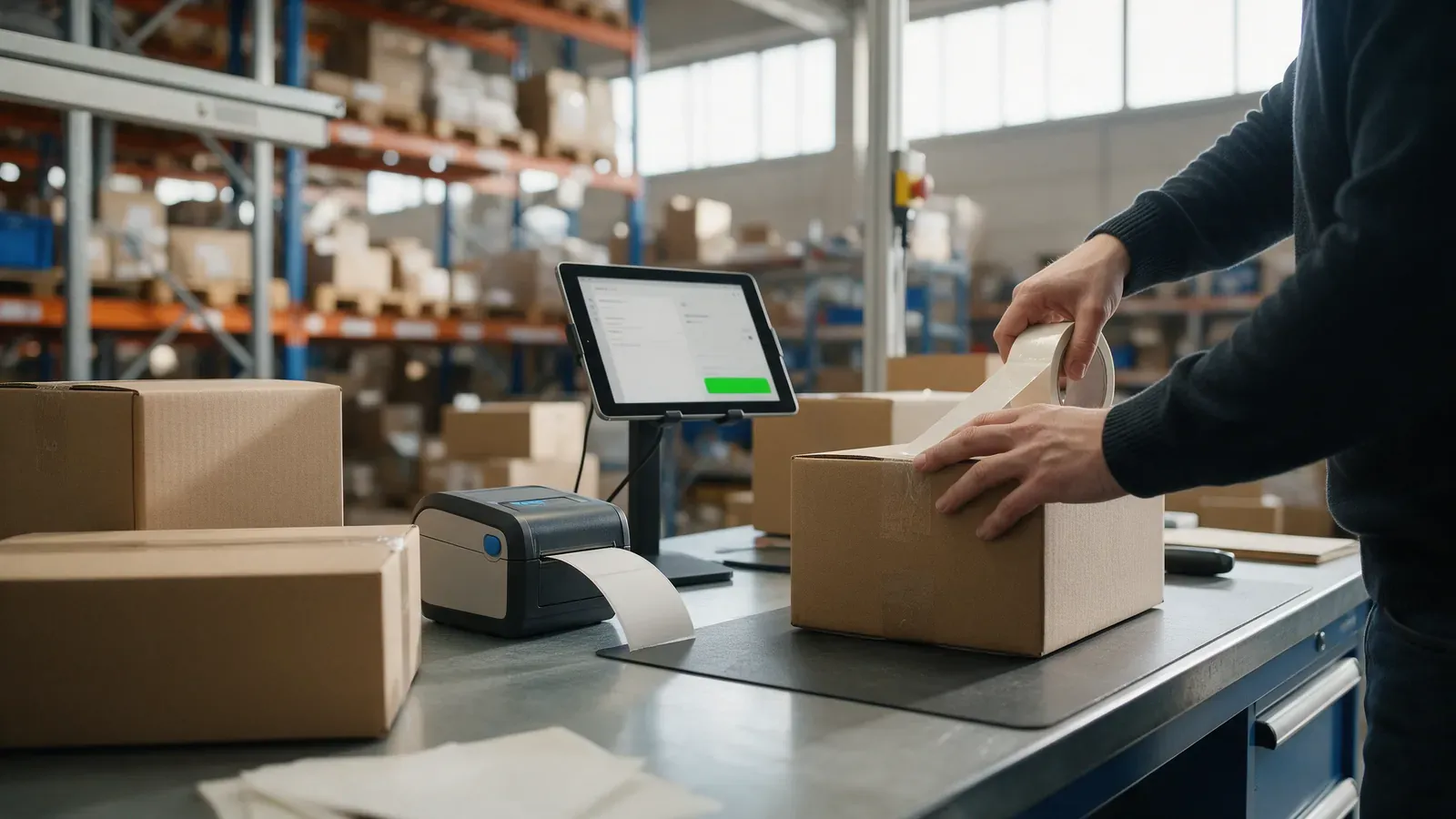
Behind the scenes
What the tool takes care of.
- Production orders and stock levels are booked in the ERP
- The delivery note is created in the ERP
- The shipping label is printed
- The tracking number goes back into the system
- Your customer automatically gets an email
Where the data stays
With you.
Order number Tool ERP
Tool Label printer Customer email
The tool runs in your environment and works directly with your ERP. Your order data stays in your system.
The time figure is a ballpark from real work. How much it is for you depends on your workflow.
Your workflow